Vorly Creative / Formats
Know what to make. Then make it.
Herald checks which formats your category is running, then points you to the ones that fit.
Free to look. You approve every ad. Nothing is published without you.
What are Vorly formats?
Vorly formats are the AI ads you can make in Vorly, like AI Short Drama, AI UGC review, AI Animation ad or AI Chat screenshot ad. Pick one and Herald makes the ad for your brand in that style, then brings it to you for approval. There are 20 formats in four families: AI stories, AI real-life ads, AI animation ads and AI feed graphics.
What you can do
- Start from a format your category already knows.
- Switch between AI stories, real-life ads, animation and feed graphics.
- Let Herald pick the model and size the ad for every placement.
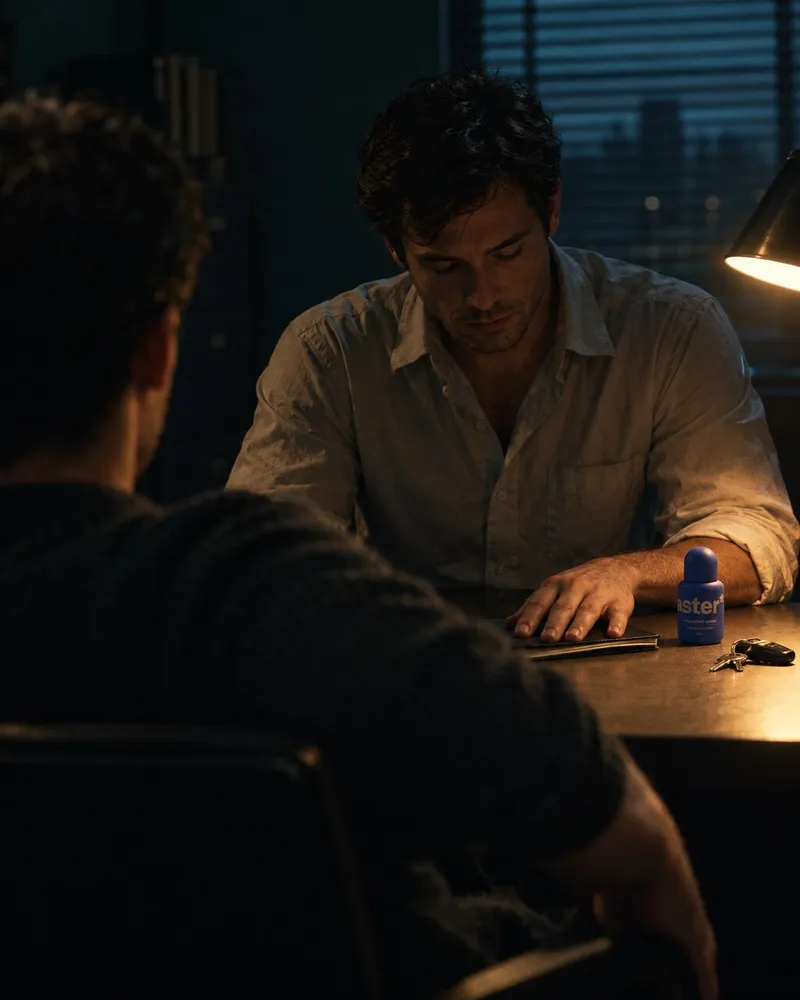




Create a short scene with cast, tension and a payoff for your product.
Herald checks whether your category runs story-led ads before it suggests one.
Every format starts with the read. Herald checks which formats your category is running, then picks the ones that fit.Paste a product link and start from any of these.
Which formats can I make with Vorly?
Vorly has 20 formats in four families: five AI stories, six AI real-life ads, five AI animation ads and four AI feed graphics. Each one has a plain line on what you create with it.
See all formats
AI stories
- AI Short Drama Create a short scene with cast, tension and a payoff for your product. Herald checks whether your category runs story-led ads before it suggests one.
- AI Skit Create a short comic scene where your product is the punchline. Herald checks which comic setups your category already uses, so yours does not repeat them.
- AI Mini-movie Create a story ad with a beginning, a turn and an ending.
- AI Musical Create an ad that sings, with a song written for your brand. Herald checks whether sound-led ads run in your category before it writes the song brief.
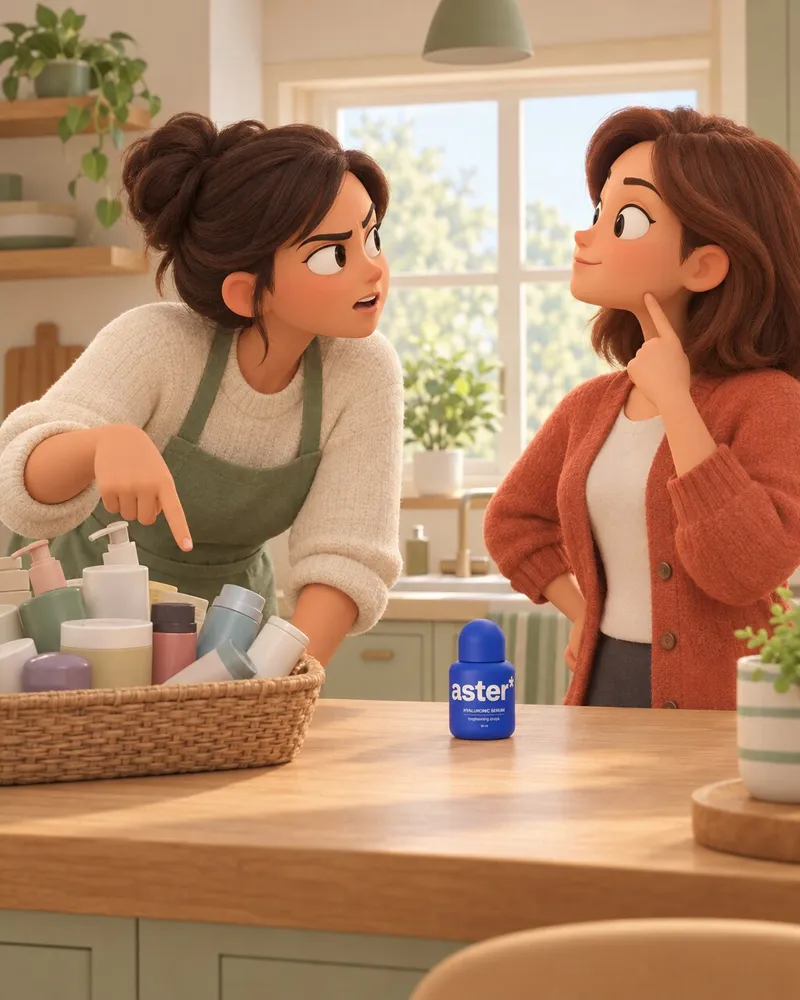
- AI Character argument Create two characters arguing over your product and who is right. Herald finds where your customers disagree, then casts the two sides.
AI real-life ads
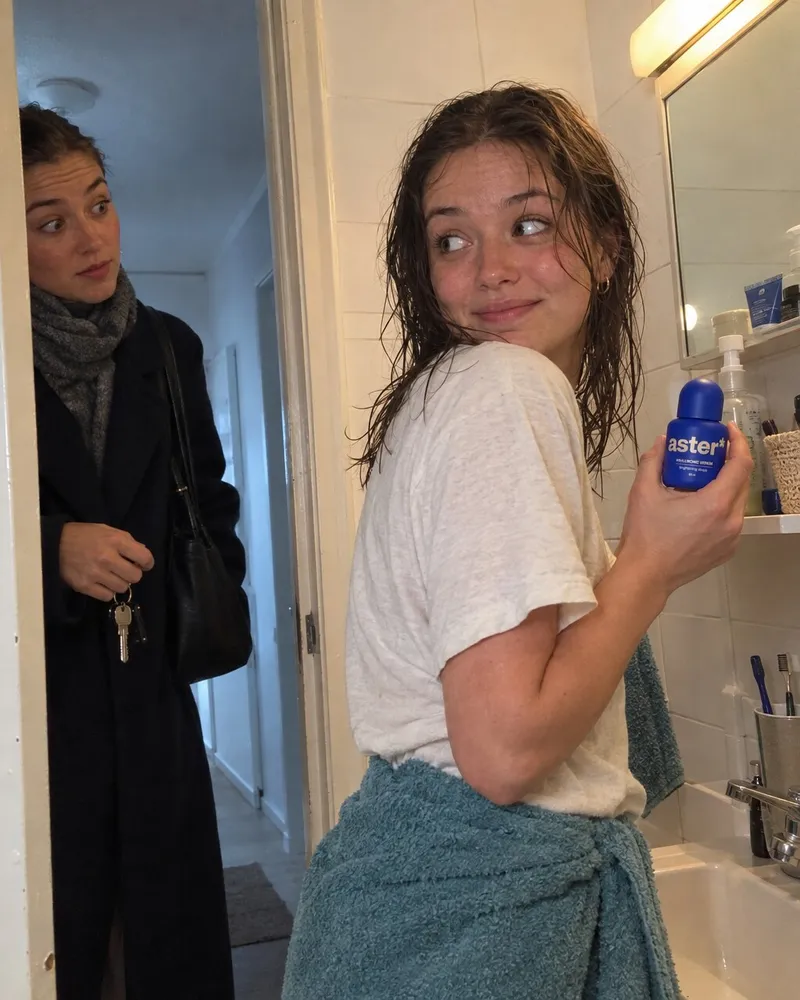
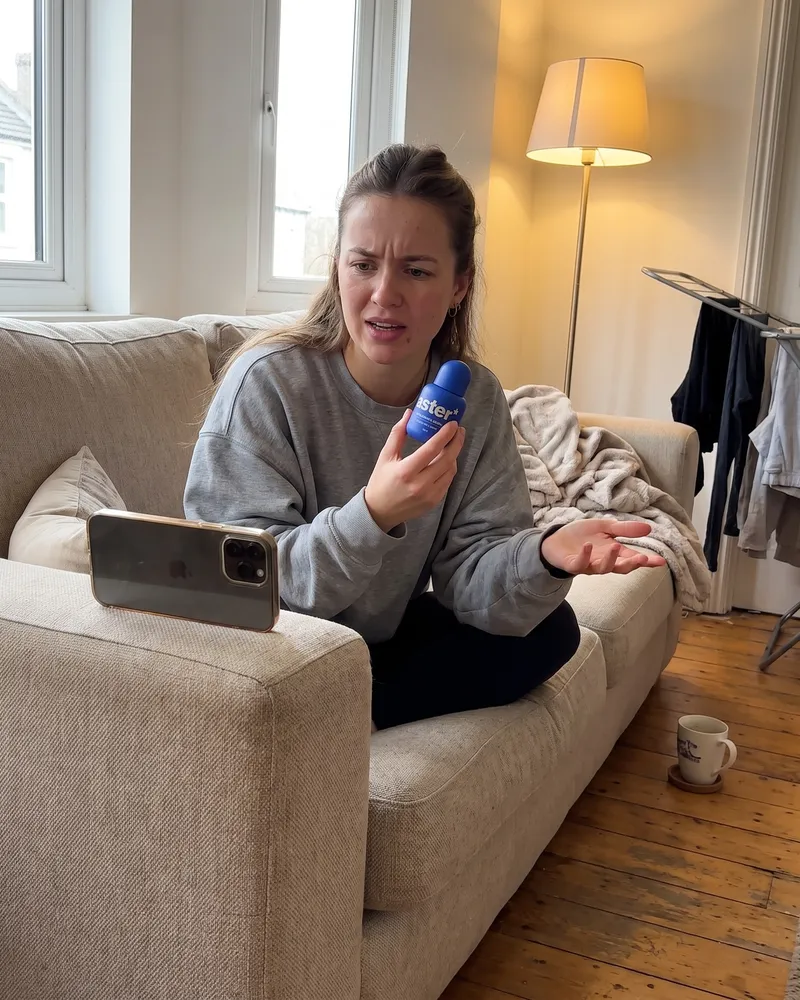
- AI UGC review Create a creator-style review of your product, hook in the first two seconds. Herald pulls the doubts and praise real customers use, and puts them in the creator's mouth.
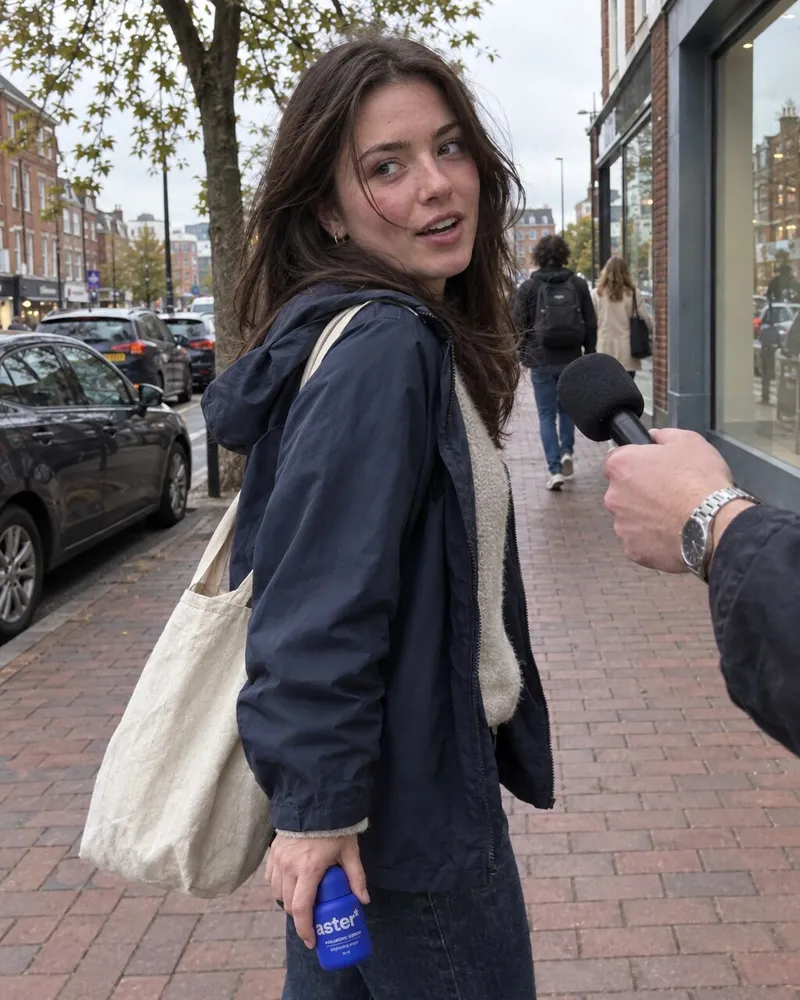
- AI Street interview Create people answering one question about your product. Herald picks a question your buyers ask in reviews and comments.
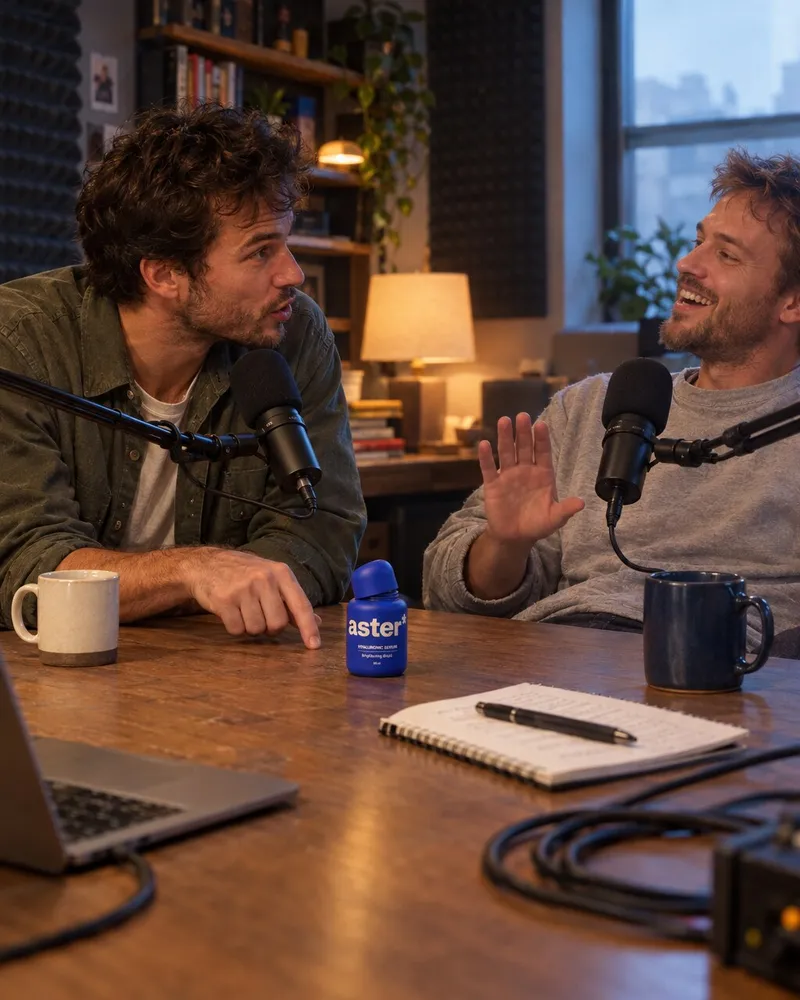
- AI Podcast clip Create a two-host conversation about your angle, cut like a clip from a show. Herald finds the angle worth a conversation, then writes both hosts.
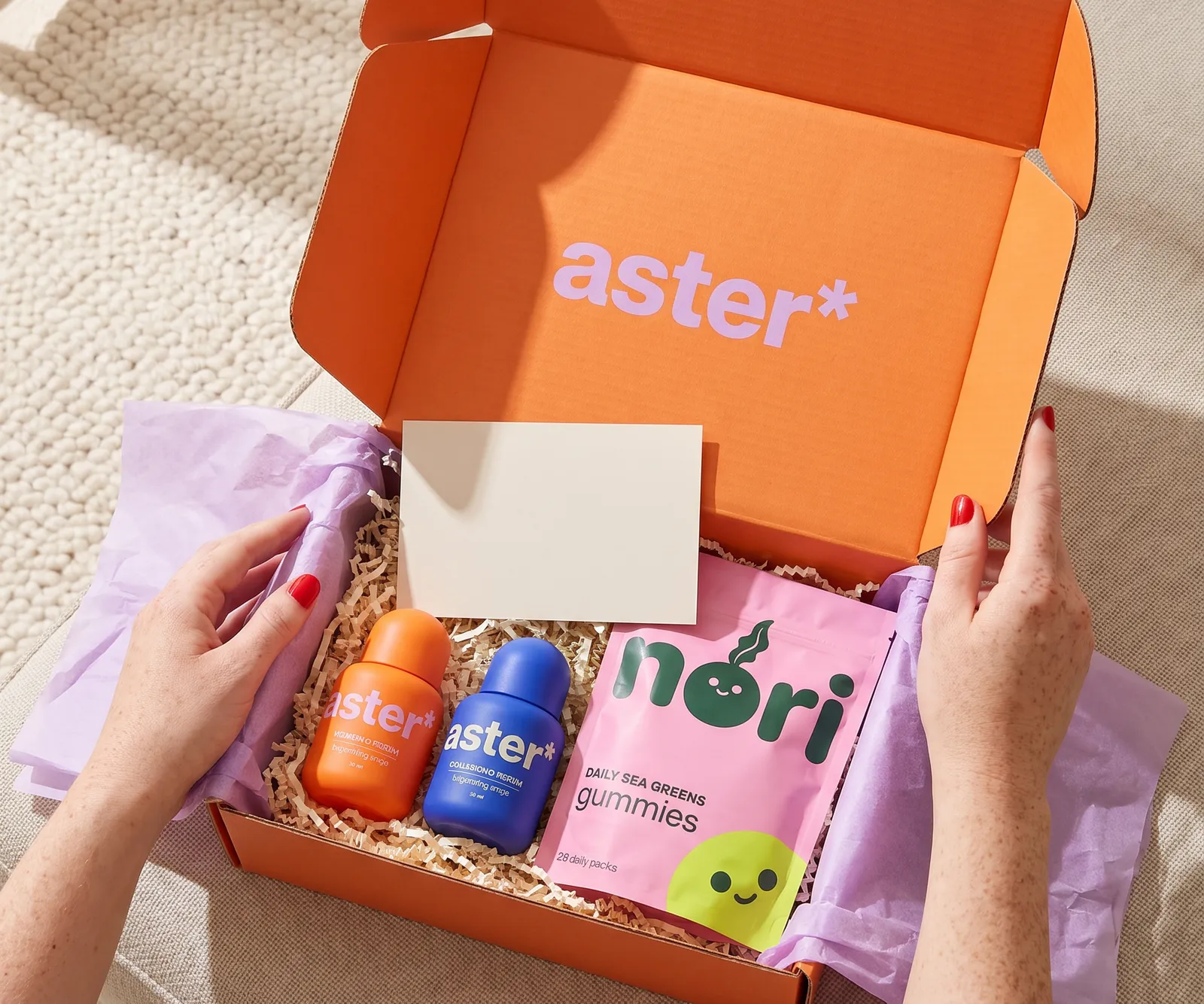
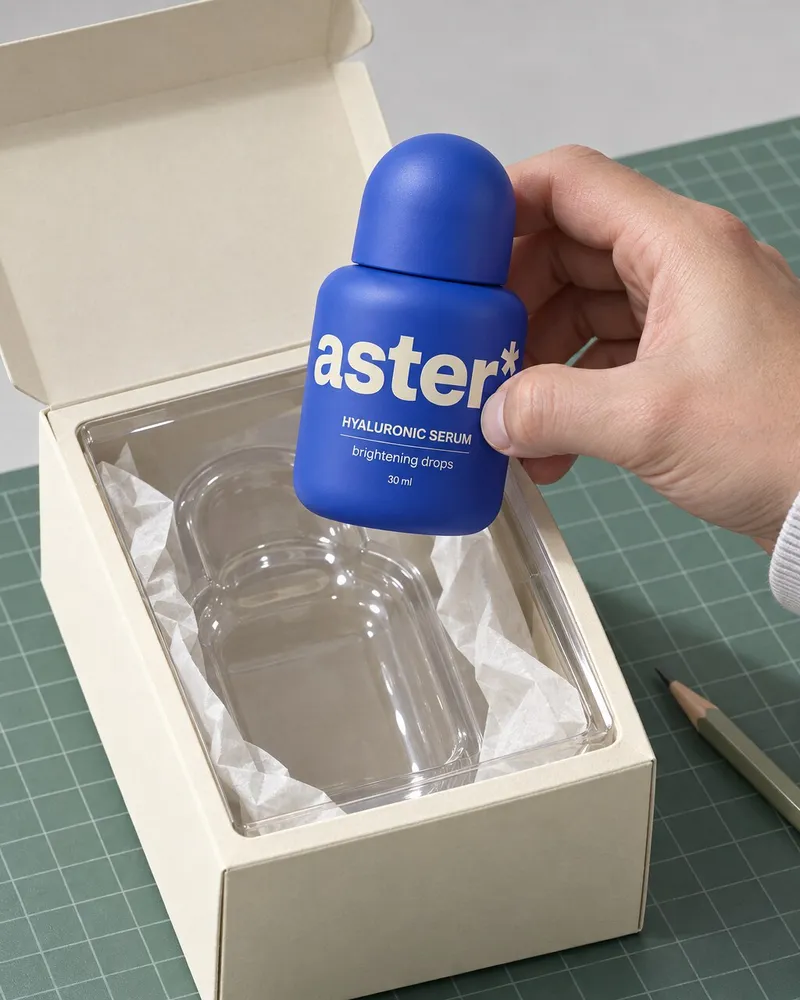
- AI Unboxing Create a first-look unboxing with the pack, the product and the reaction.
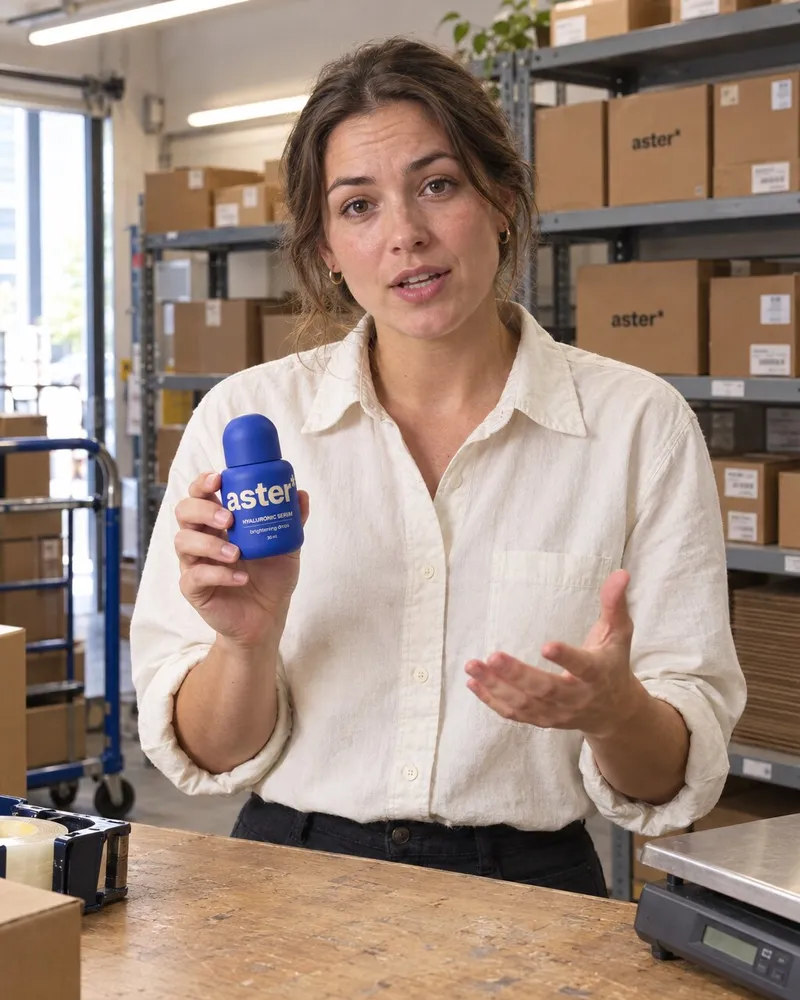
- AI Founder-led Create a talking-head ad with captions, written in your brand's voice. Herald reads your brand and brief so the script sounds like you, not a template.
- AI Problem and fix Create an ad that opens on the problem, then shows your product fixing it. Herald opens on a problem your customers name in their reviews.
AI animation ads
- AI Animation ad Create a stylised 3D or clay world around your product, in your brand colours, with a character if you want one. Herald reads your brand colours and category look, then builds the world to match.
- AI Collectible reveal Create your product as a boxed collectible, lifted out of the box.
- AI Packshot orbit Create a 360 degree loop around your product on a clean set.
- AI Frozen reveal Create your product cracking out of ice.
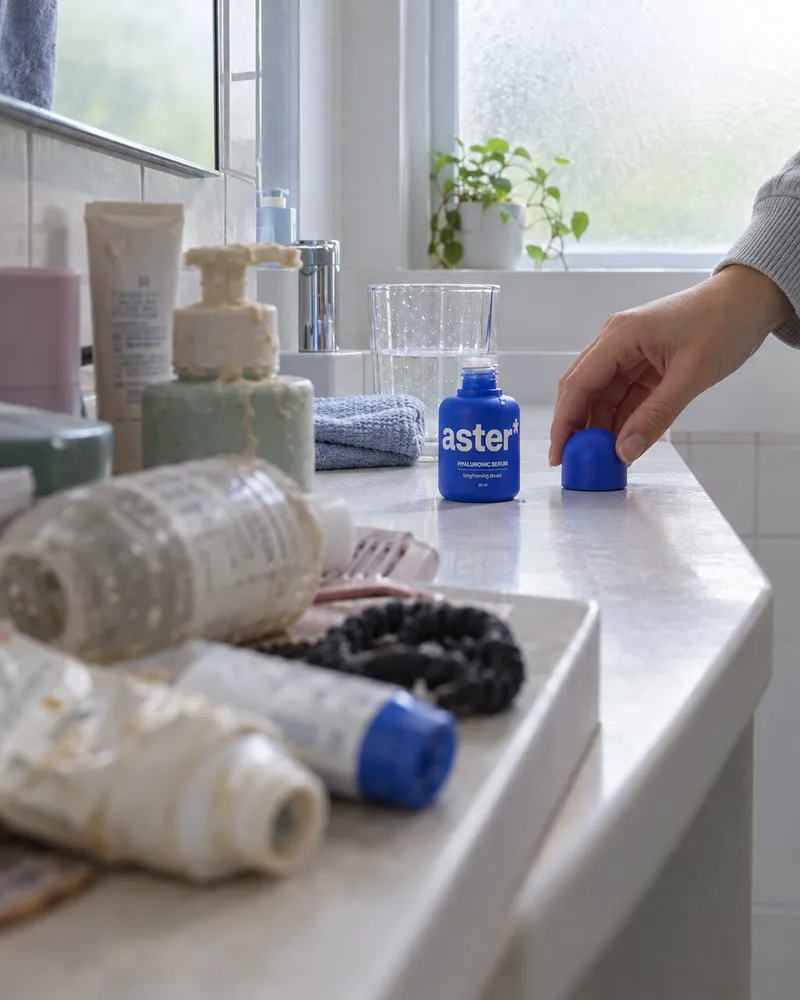
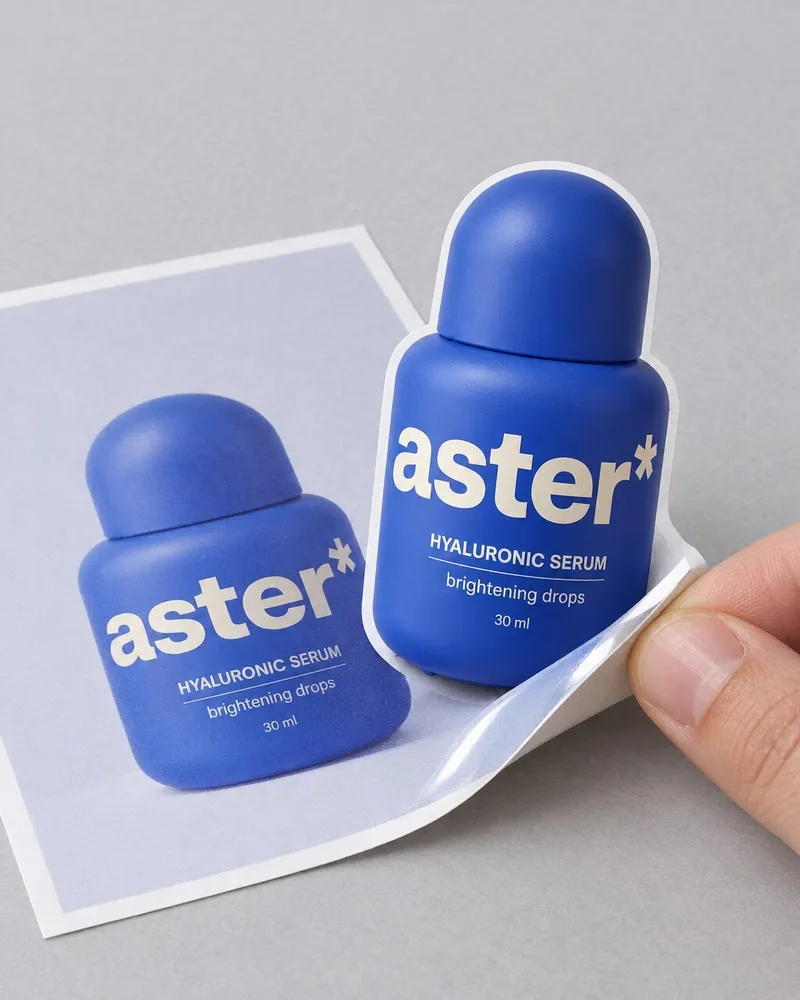
- AI Sticker peel Create your product peeling off its own printed photo. Herald builds from your own pack, so the sticker is your product.
AI feed graphics
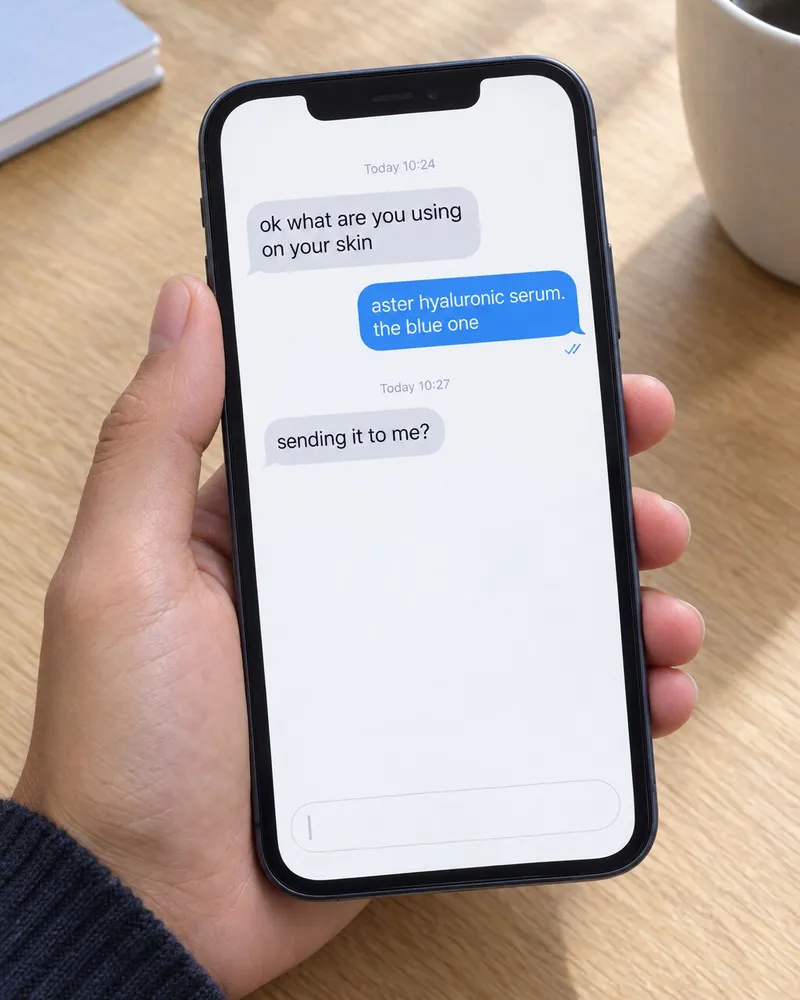
- AI Chat screenshot ad Create a message thread or AI chat that recommends your product. Herald writes the recommendation the way your buyers actually talk.
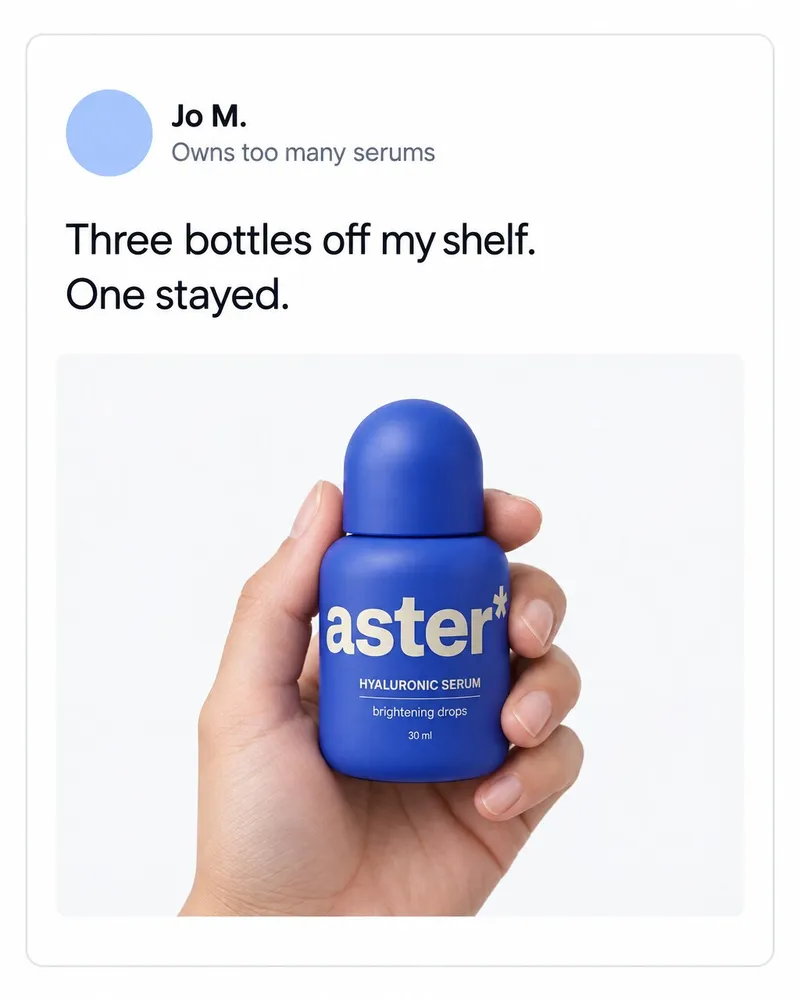
- AI Post ad Create a post-style graphic from a hot take or customer line. Herald turns a line your customers use into the hot take.
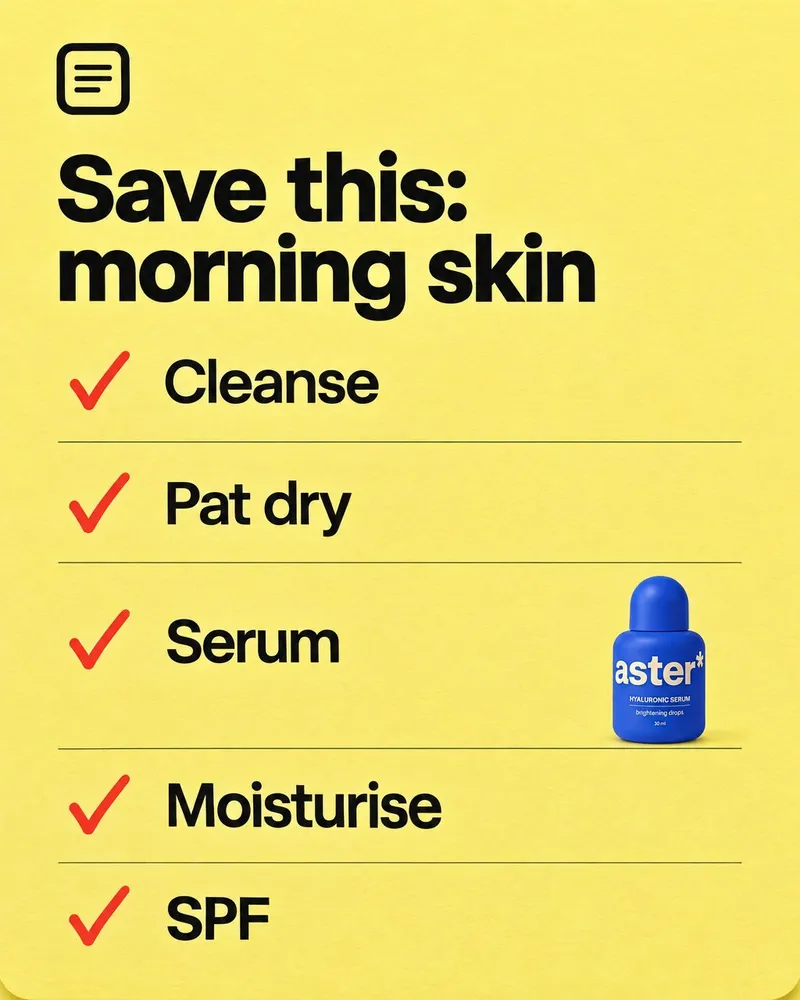
- AI Checklist ad Create a "save this" checklist or a surprising stat graphic.
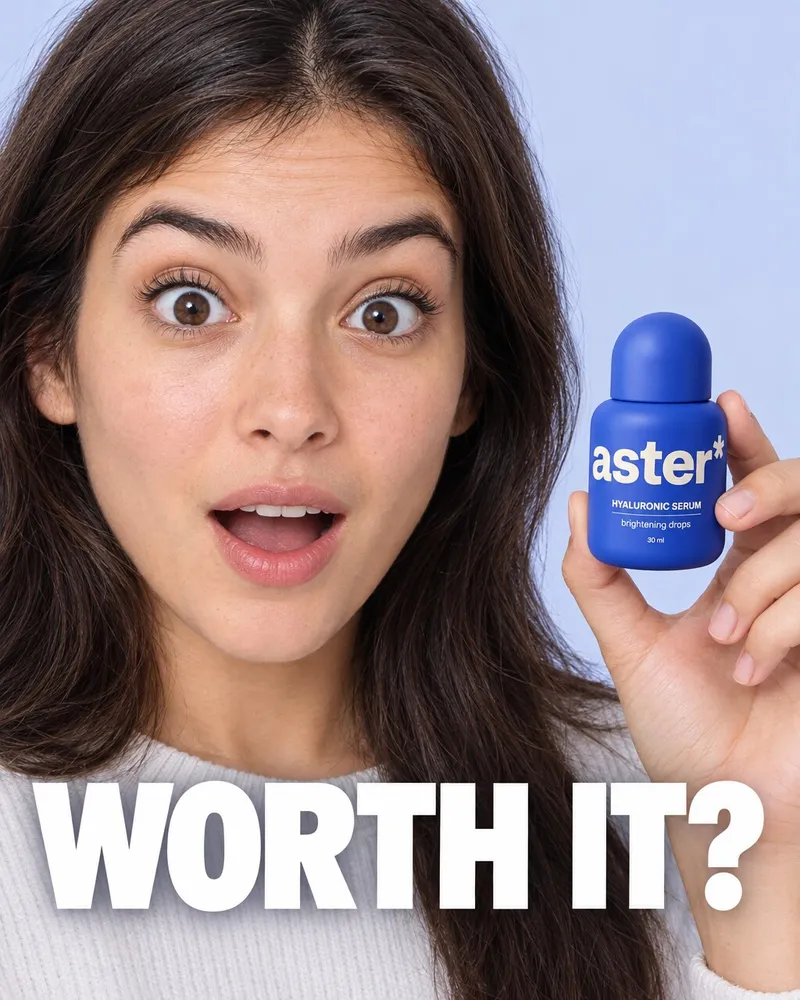
- AI Thumbnail Create a click-driving thumbnail or video cover. Herald checks which cover styles your category already runs.
What are AI stories?
AI stories are short scripted ads: a drama, a skit, a mini-movie, a musical or an argument, with your product at the centre of the story. Herald checks whether your category runs story-led ads before it suggests one.
What are AI real-life ads?
These ads look like content people already watch: a creator review, a street interview, a podcast clip, an unboxing, a founder-led talking head, or a problem and its fix. Herald makes them from your product and brand, with the hook in the first two seconds.
What are AI animation ads?
These put your product in a made world: a stylised 3D or clay scene, a character, a collectible reveal, a packshot orbit, a frozen reveal or a sticker peel. They are for products that need to be seen, not explained.
What are AI feed graphics?
These are still ads shaped like feed content: a chat screenshot, a post-style graphic, a checklist or a thumbnail. Herald makes them in your brand colours, ready to post.
How does Herald choose a format for my brand?
Herald reads which formats your category is running, then picks the ones that fit your brand and your read.
Which formats suit my business?
Each segment page lists the formats that fit it. Three examples:
How does it work, in three steps?
- 1Read the market
Herald checks what your category runs.
- 2Make the ads it is asking for
You pick a format, Herald makes the ad.
- 3Get a next round every week
A new set each week.
Who are Vorly formats for?
Which Vorly products work with Vorly formats?
What do these words mean?
- Hook
- The first second of an ad that makes someone stop.
- Angle
- The reason your product matters, as the ad tells it.
- Gap
- An angle your rivals are not using yet.
- Vision
- Your market, read back to you.
- Read
- Vorly reading your market for you.
What do people ask about Vorly formats?
What is a format in Vorly?
A format is a named AI ad, like AI Short Drama or AI UGC review, that Herald uses as the starting point for an ad.
How many formats are there?
20, in four families: AI stories, AI real-life ads, AI animation ads and AI feed graphics.
Can I make a format for my own brand?
Yes. Herald makes each format with your product, colours and voice from your brand pack.
Do I choose the AI model?
No. Herald picks the right model for each ad.
Will new formats be added?
Yes, as new styles appear in your category.
Give your next ad a head start.
Your URL in. Your whole market, read back. See what your rivals are running this week.
1. Paste your site. 2. We find your rivals. 3. You see their ads and your open angles.
You approve every ad. Nothing is published without you.

 Every ad your rivals run
- “What customers really say
- The angle nobody owns
Brand and photos shown on this page are examples.